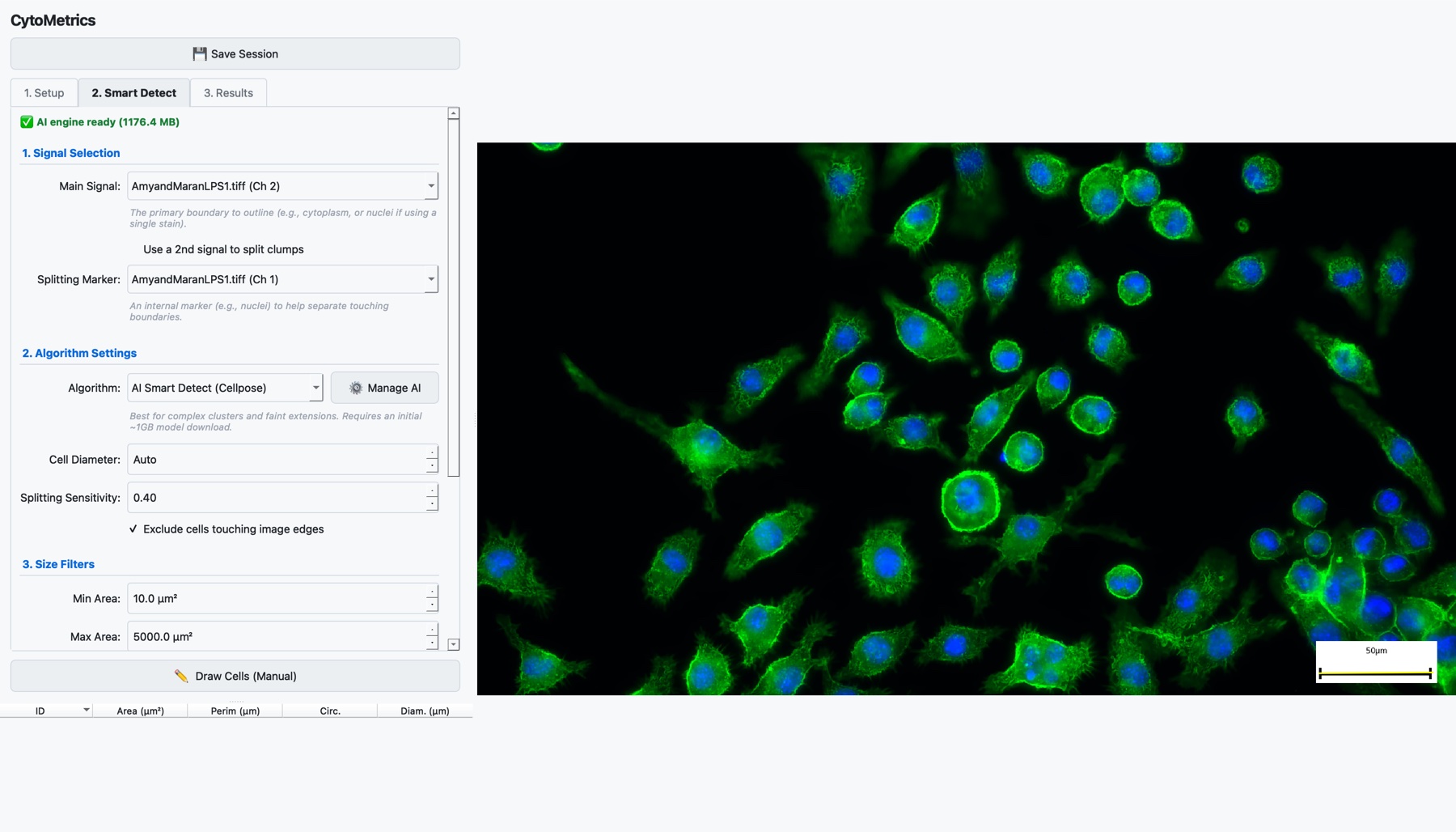
AI-assisted segmentation
Cellpose-based cell segmentation.
● Module · Beta
Quantitative cell morphology for multi-channel fluorescence microscopy: segmentation, annotation, and CSV export.
Install from the Plugin Store in the Karcytics hub. Free for students and academic research.
Your license file lists the modules it covers — see how licensing works →In plain terms
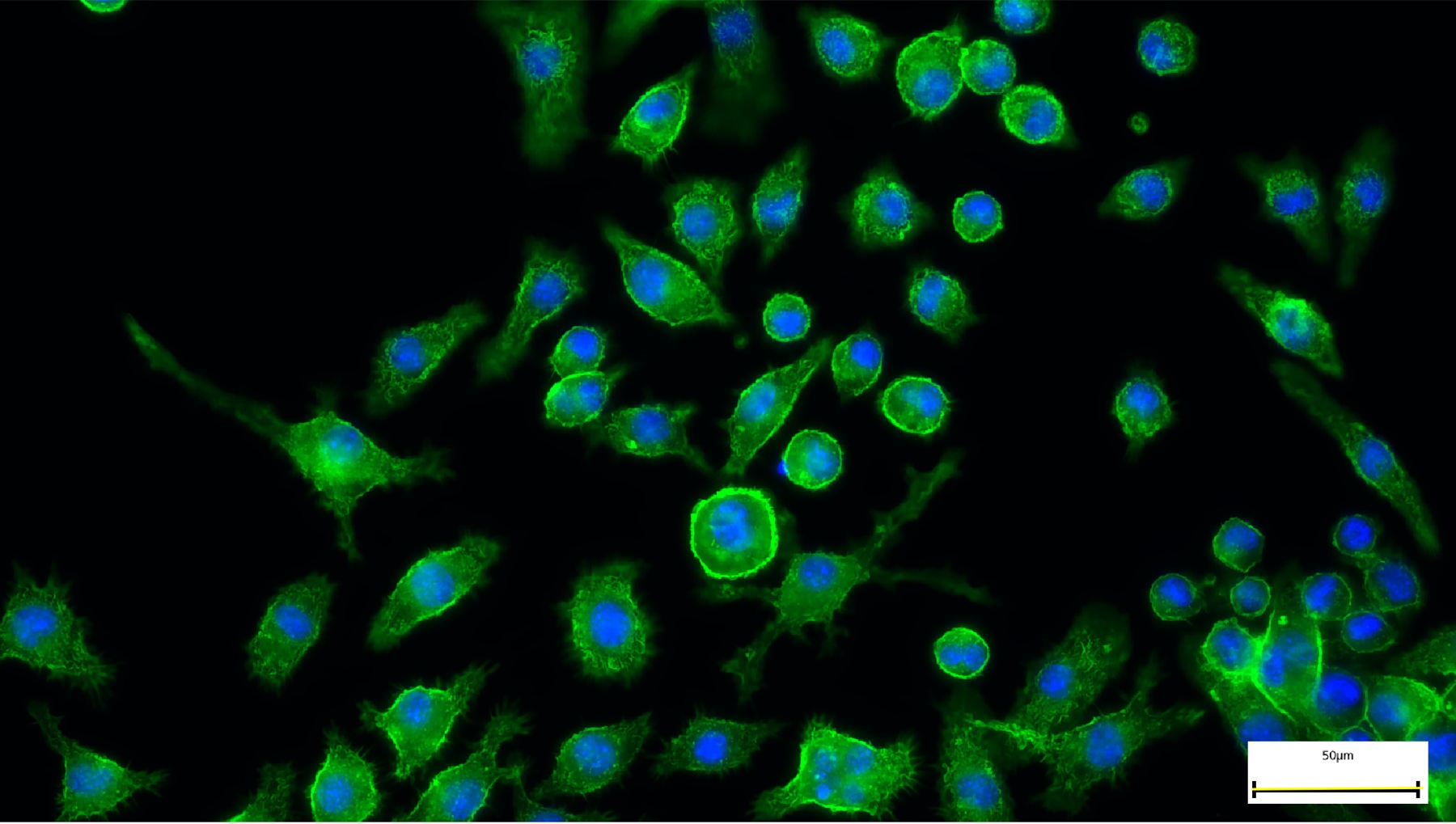
Under a fluorescence microscope, a field of cells looks like a scattering of glowing blobs. Quantitative morphology means turning that picture into numbers: how big is each cell, what shape is it, how bright is it in each fluorescent channel — measured consistently instead of eyeballed from an image.
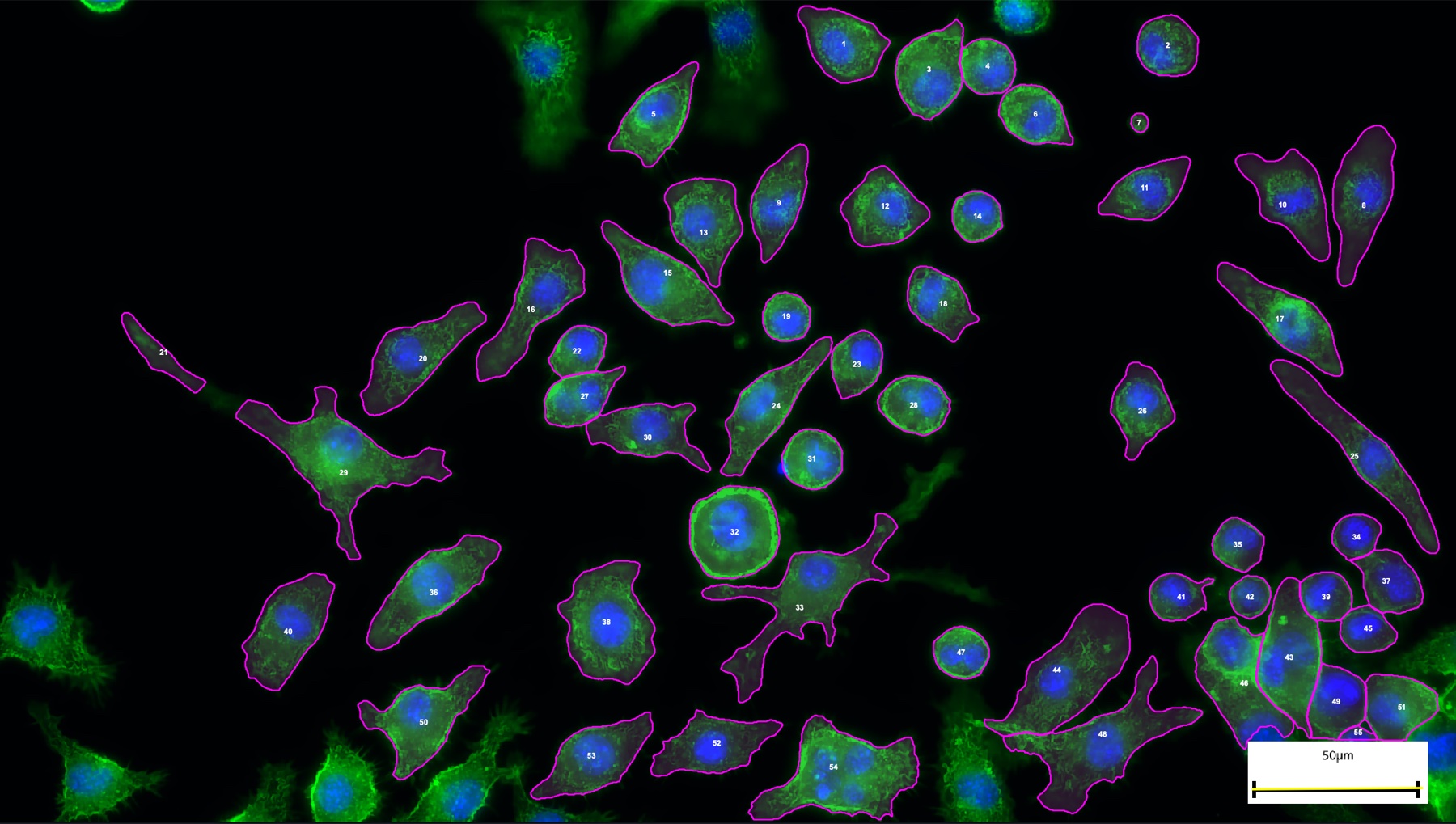
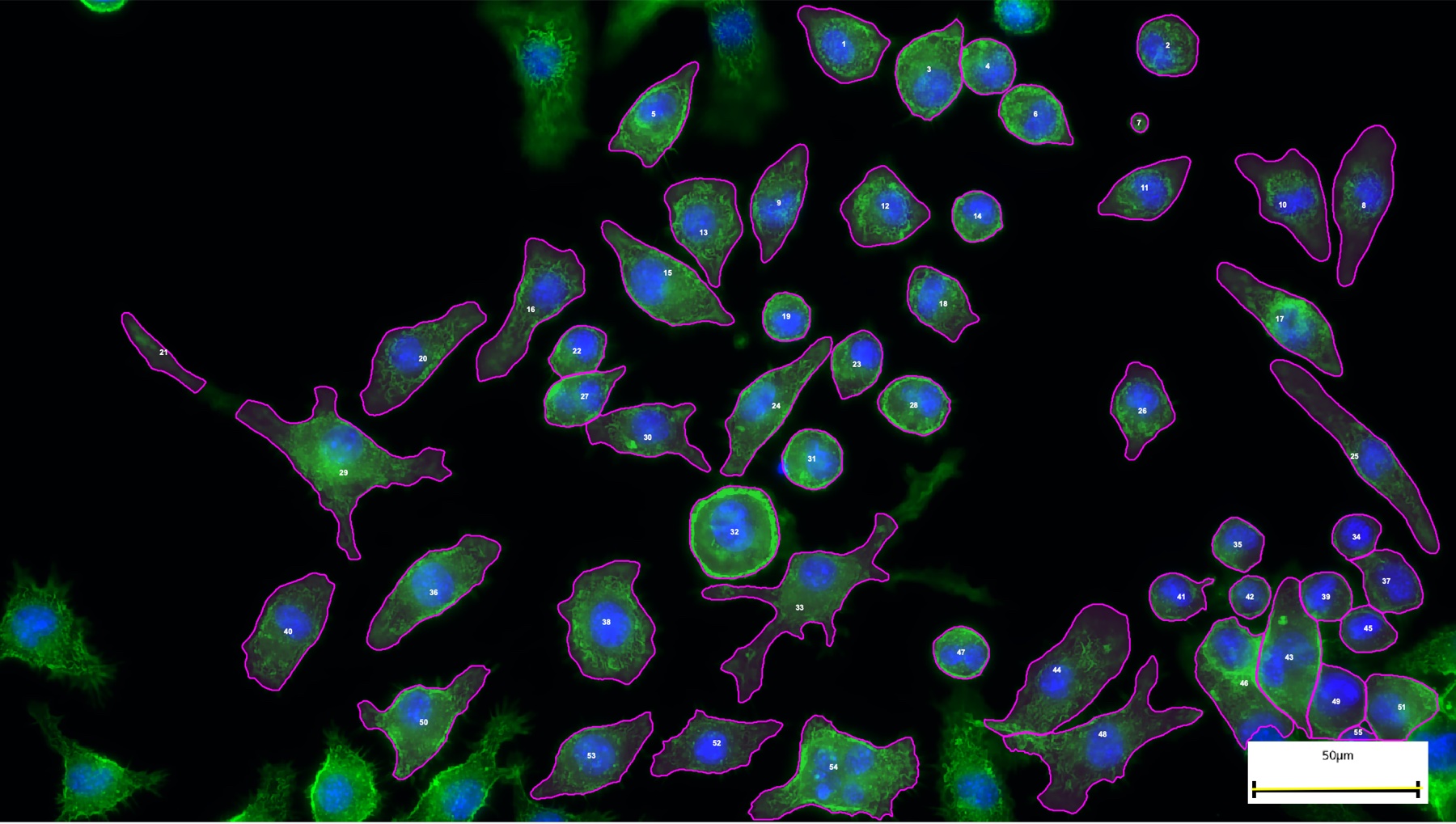
The first step is always segmentation: drawing a precise outline around every individual cell so the software knows where one cell ends and the next begins, the necessary first step before anything on that image can be measured. Cellpose is an AI model trained on millions of microscopy images specifically to do this well, even when cells overlap or touch.
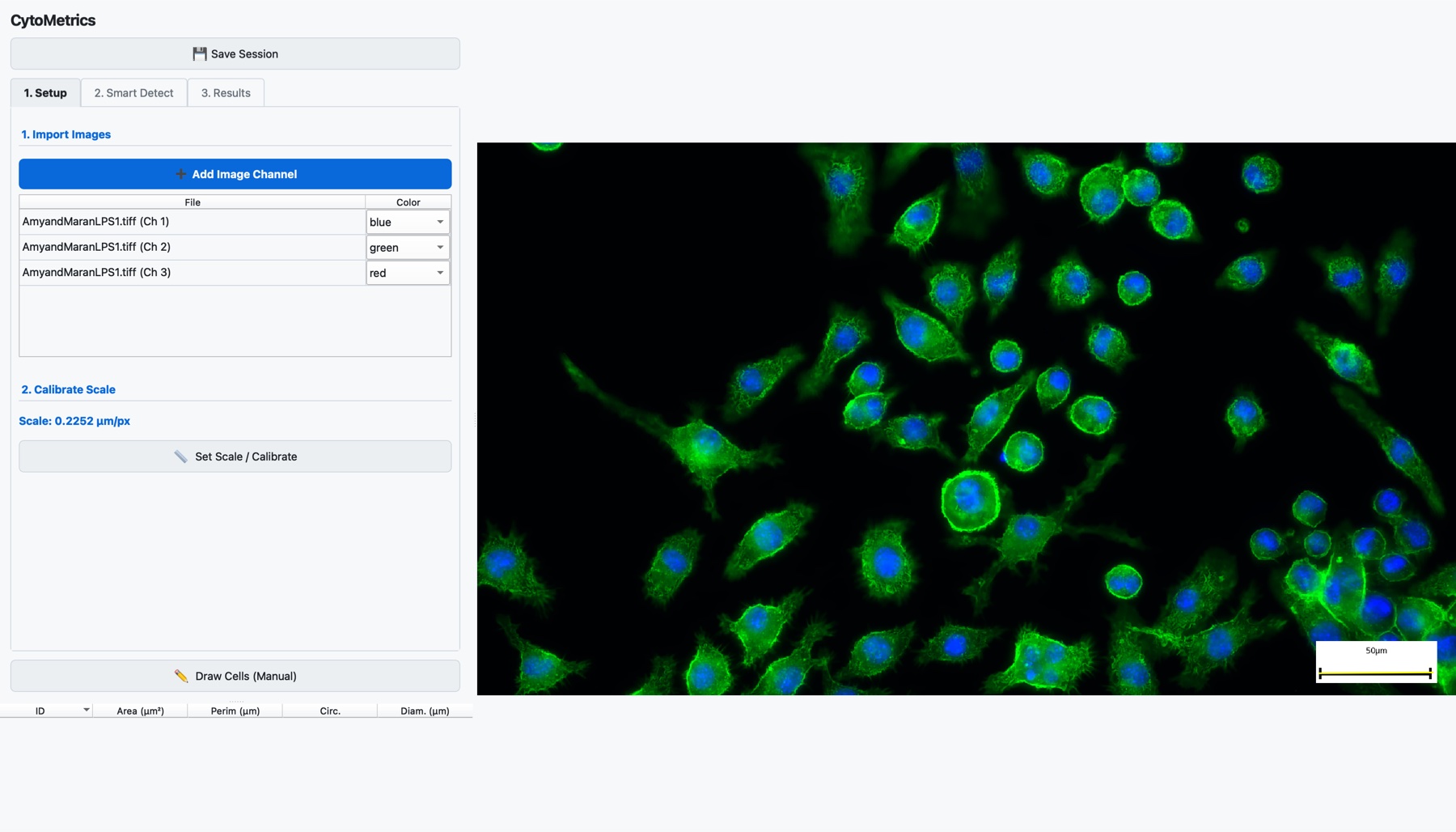
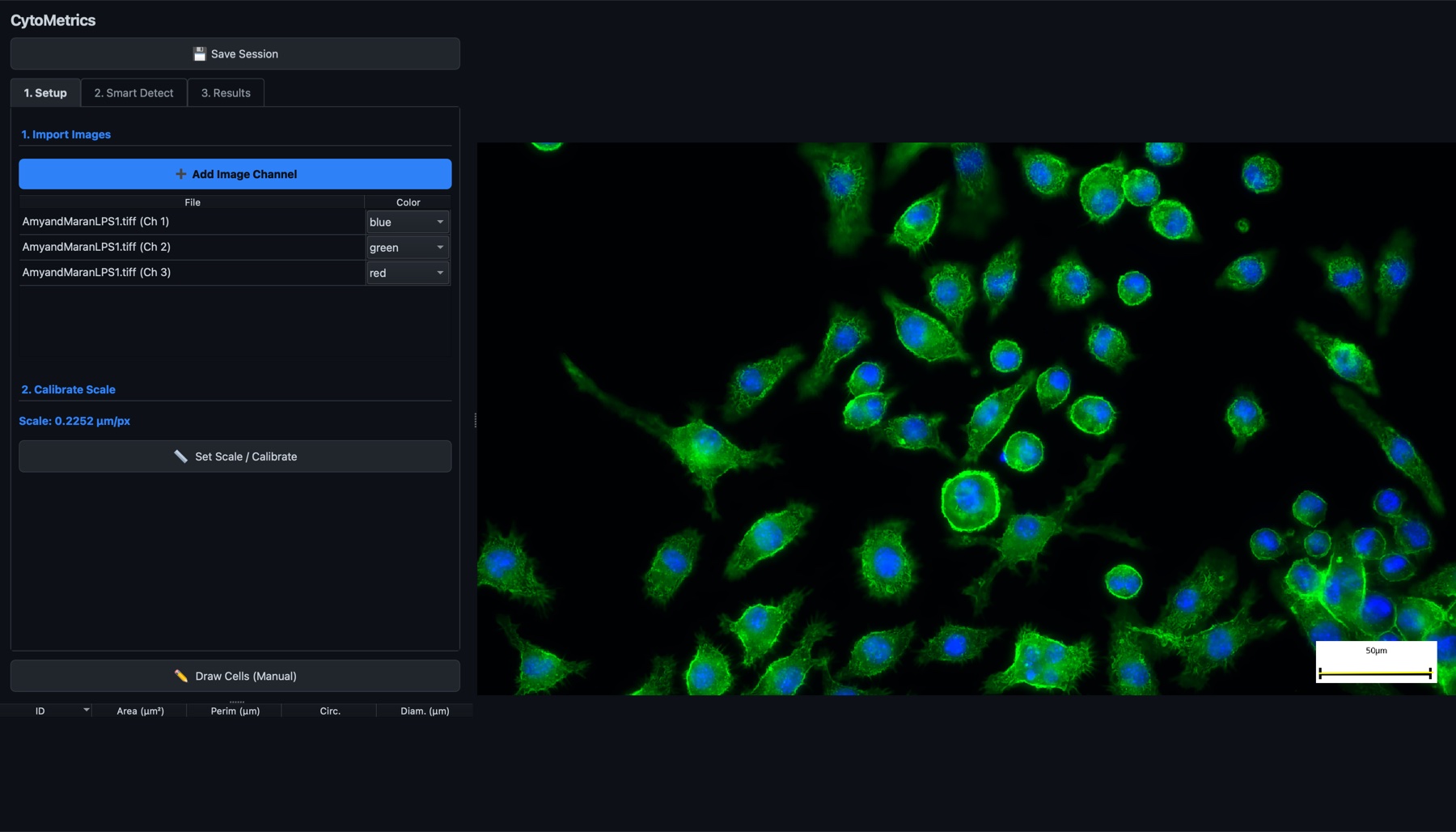
None of those measurements mean anything in real units until the image is calibrated — telling the software how many real-world micrometers one pixel actually represents, so pixel counts convert into real units.
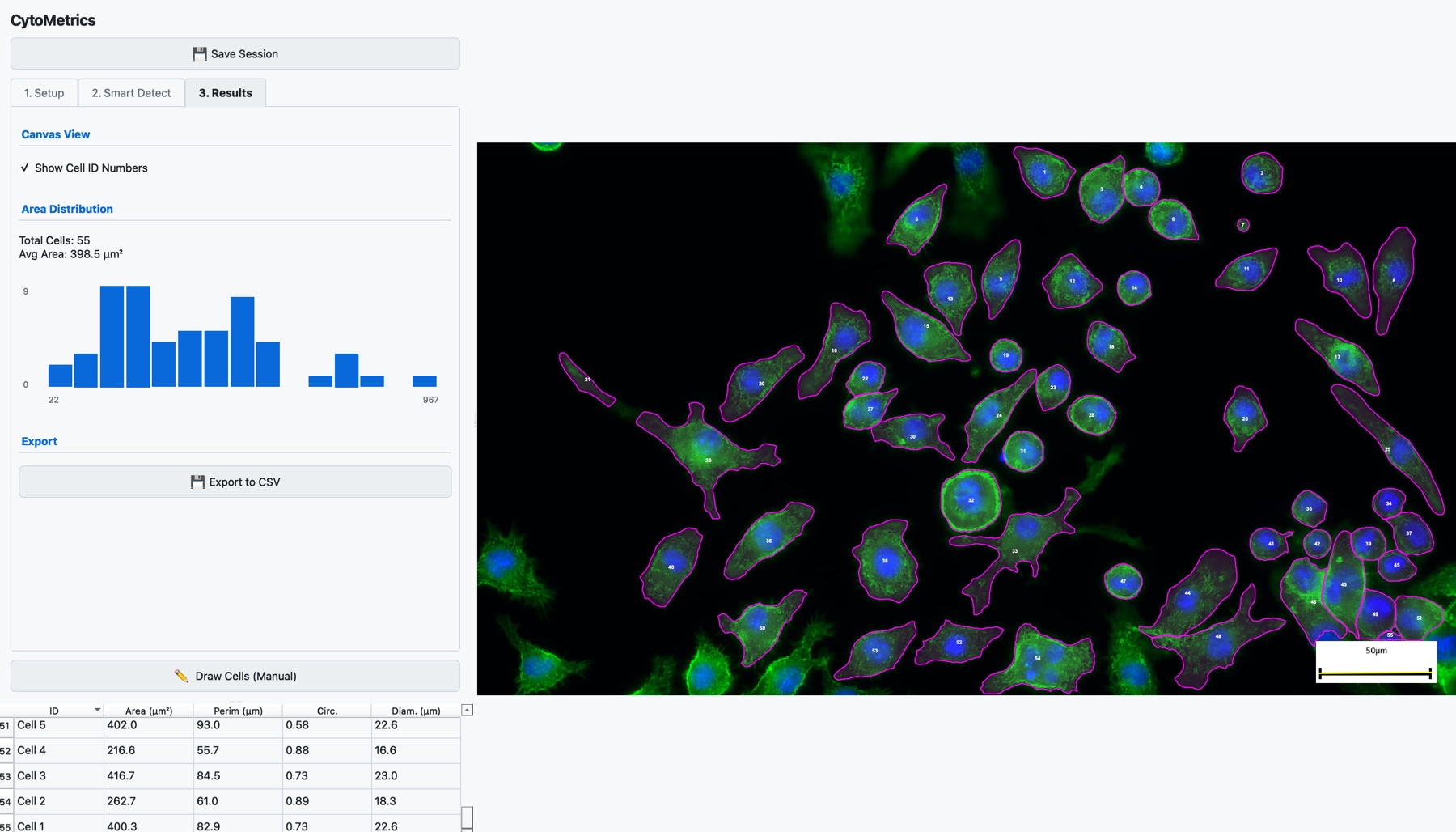
Before and after
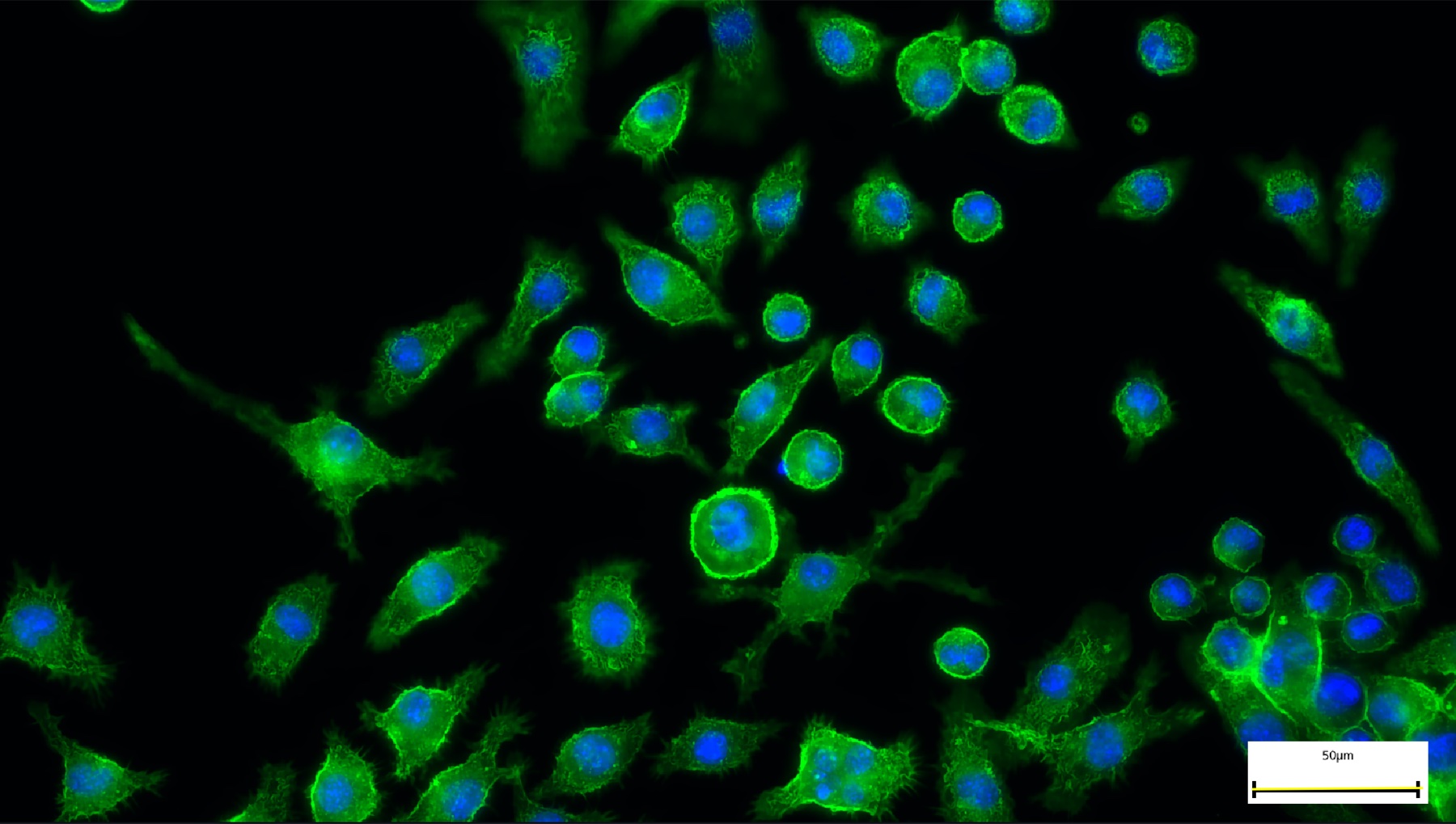
Import TIFF, PNG, or JPG images and colour each channel.
Set the physical scale in µm per pixel.
Detect cells with Cellpose or classical methods, then correct by hand.
Export area, perimeter, and circularity as CSV.
In the app
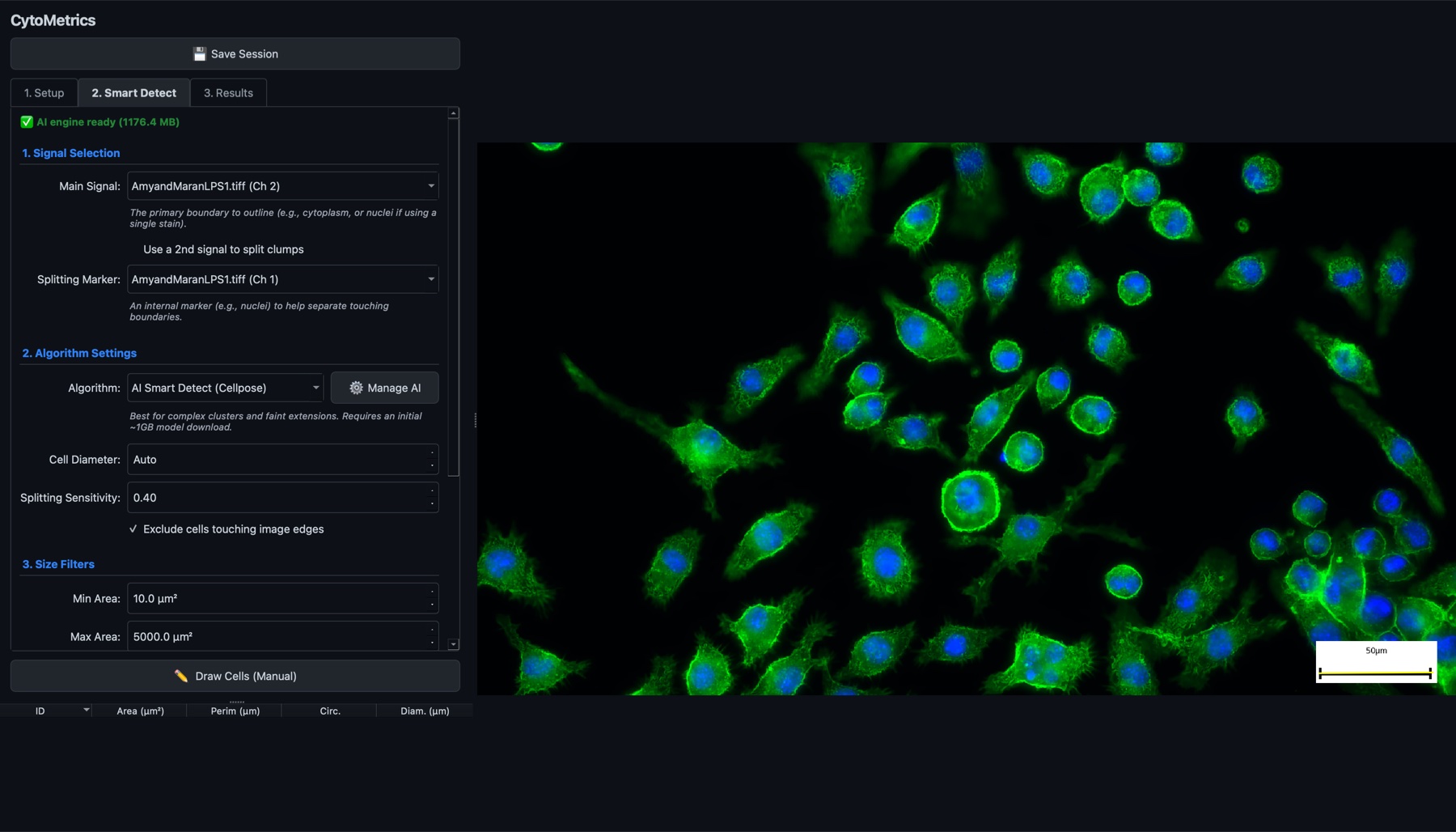
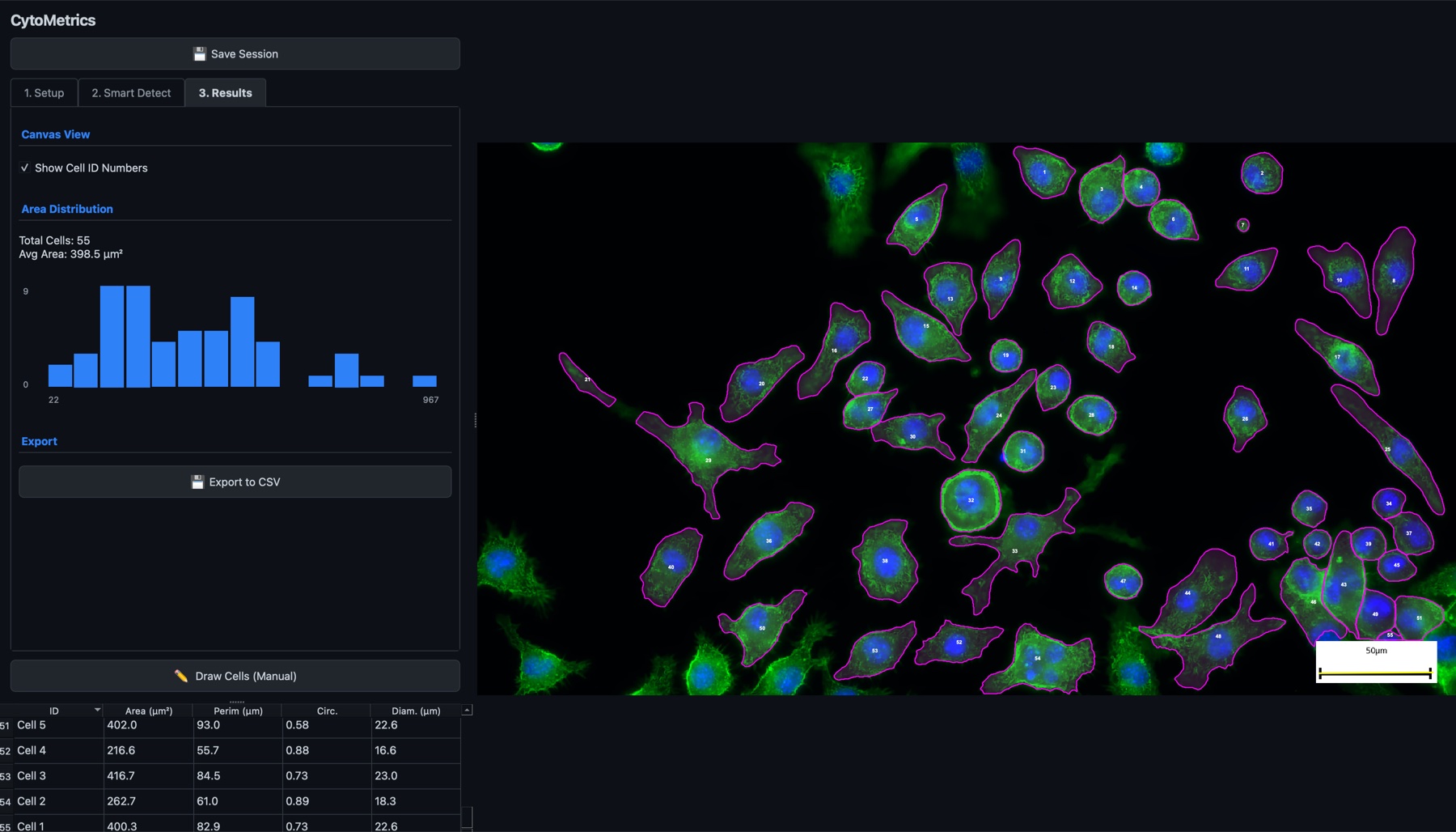
Cellpose-based cell segmentation.
Computer-vision methods when you don't want the AI.
Correct and annotate segmentations by hand.
Convert pixels to real-world measurements.
Morphology measurements for your own statistics.
How it compares
A quick, honest look at where Karcytics fits next to the tools imaging labs already know.
CytoMetrics wraps the same Cellpose AI segmentation in a point-and-click workflow — free for teaching and academic research, with a CSV at the end either way.
Imaging labs quantifying cell size, shape, and fluorescence per cell.
Beta — features may change as the module matures